
Minneapolis 311 has launched a new online portal and mobile app, giving residents more ways to report non-emergency issues and find City service information. The updated system also adds tools for checking open requests nearby, following request progress, and receiving updates through an optional account.
A New Online Portal and Mobile App

Minneapolis residents can now reach 311 through a redesigned online portal and a new mobile app. Both offer additional ways to report issues and connect with City services. The app is available through the App Store and Google Play. The launch adds digital options while keeping existing ways to contact 311, including by phone and email. The service is for questions and requests about non-emergency City services, so urgent situations involving an immediate threat to life or safety should still go to 911.
More Ways to Report an Issue
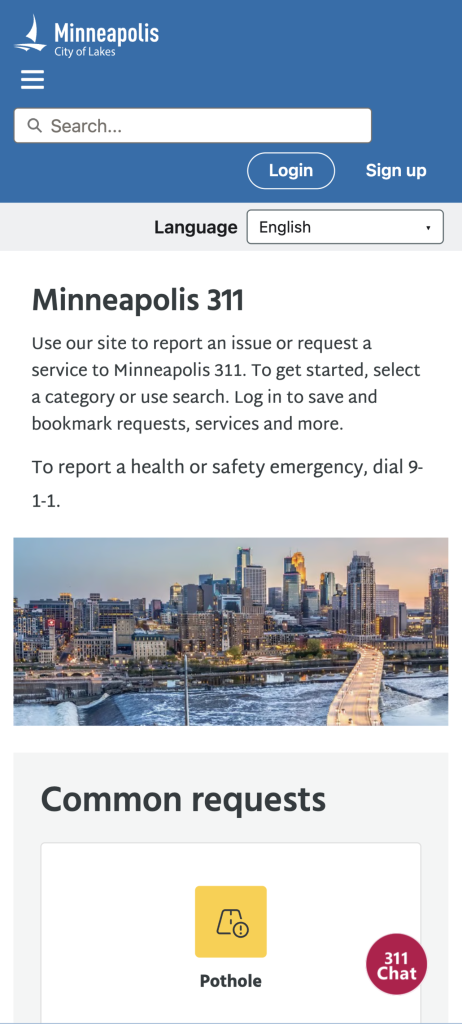
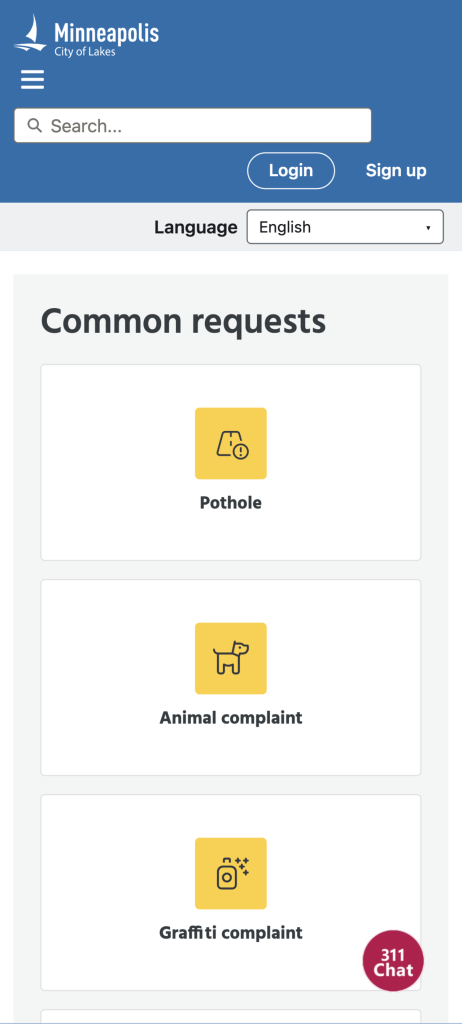
The updated system gives residents more options for reporting issues through the portal and app. The City describes the online reporting experience as improved, but its announcement does not list specific report types or explain how the available options differ. The key change is that residents have new digital ways to start a service request and connect with the City. 311 handles non-emergency concerns and questions about City programs and services. Phone, email, and other existing contact methods remain available for people who prefer them.
Follow a Request’s Progress Online
After sending a service request, residents can use the new online portal to follow its progress without calling 311 for an update. That gives people a way to check back online instead of making a separate phone inquiry. The City has not described specific status stages or promised a particular response time, so the progress tool should be understood as a way to see updates, not a guarantee of when a request will be resolved. Residents can use the portal to stay informed about what happens after they report an issue.
Create an Account for Direct Notifications’
Residents who want updates sent to them directly can choose to create an account. The City says account holders can receive notifications when there is an update to one of their requests. An account is presented as an option, so residents who prefer not to create one can still use other ways to contact 311. The announcement describes notifications about request updates, but does not specify how they are delivered or how often the system sends them. For people who want to keep tabs on an issue, the account option adds a way to hear when something changes.
Check Nearby Reports on the Explore Map
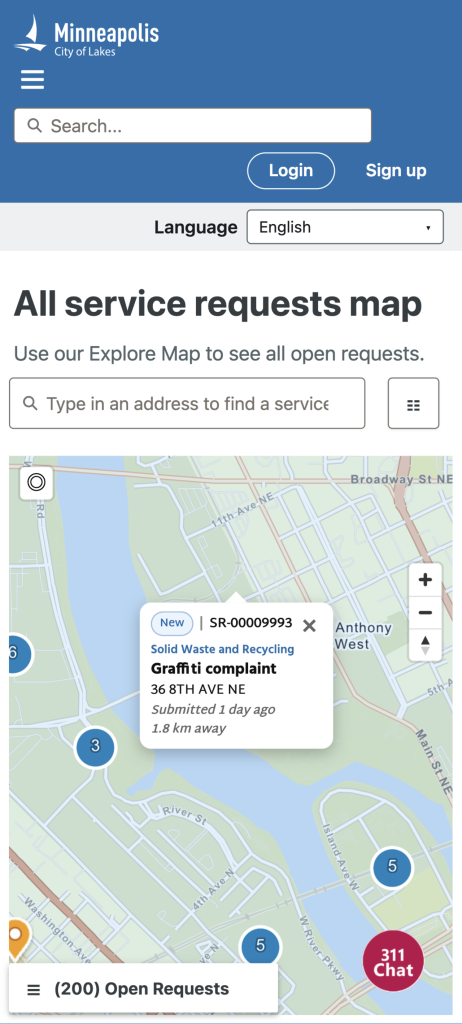
Before submitting a service request, residents can use the Explore Map to see open requests in their area. This can help answer a practical question: has someone already reported the issue? The map is meant to show open service requests, giving people a view of what has been reported nearby. The City does not say that the map includes every past report or explain how quickly new requests appear, so it is best used as a guide to open reports rather than a complete record of every issue.
Find City Service Information and Request Forms
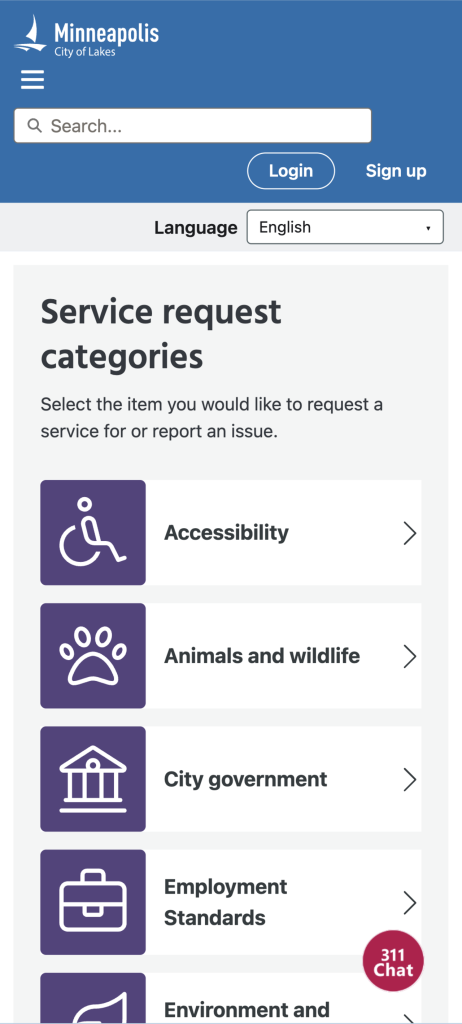
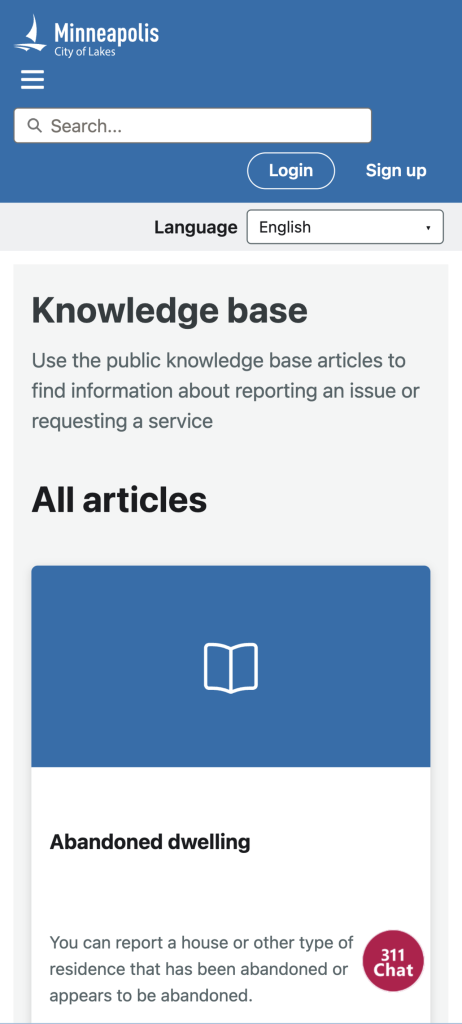
The new public knowledge base gives residents a place to look up information about City services and connect directly to online service request forms. That can be useful when someone knows they need help but is unsure where to begin or which form fits the issue. Rather than navigating City departments on their own, residents can use the knowledge base to find service information and move from there to a request form. The City describes it as a public resource, making it available to residents looking for answers without first contacting 311.