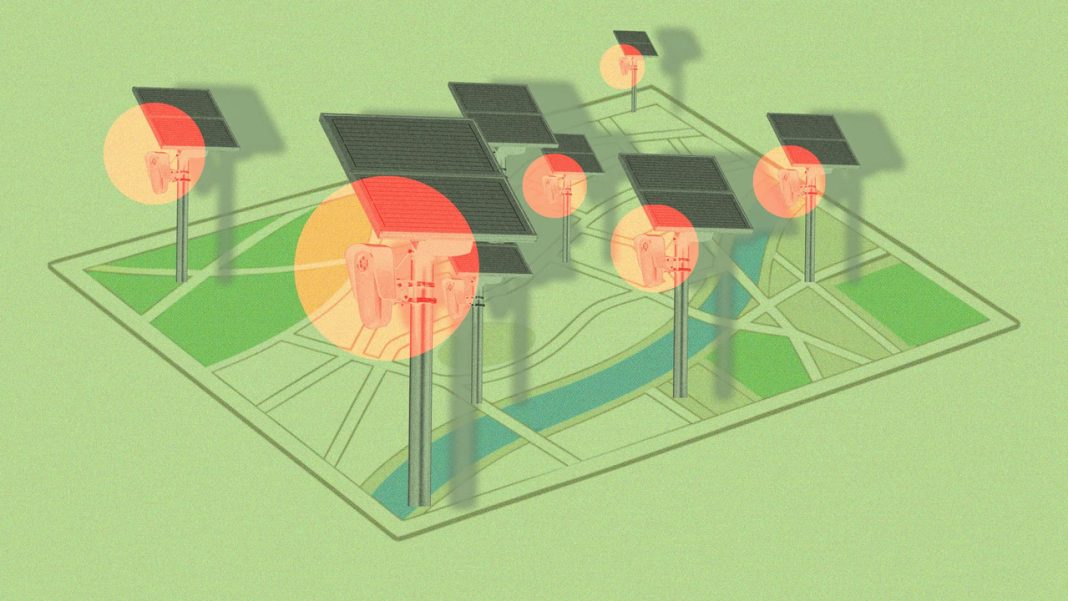

MapQuest is giving drivers a new way to see where surveillance cameras may be tracking vehicles. Its new Surveillance Layer highlights known license plate readers and other outdoor cameras, offering users a closer look at the monitoring technology along public roads. The feature arrives amid growing debates about privacy, data collection and the expanding use of automated surveillance. Here’s what to know about MapQuest’s new tool, how it works and why it matters.
MapQuest Has Introduced a Surveillance Layer to Its Maps
Drivers who want to know where roadside surveillance equipment is located now have another tool to consult. MapQuest introduced a feature called the Surveillance Layer in October 2026, allowing users to view known automated license plate readers and other outdoor surveillance cameras on a map. Announced through the company’s Bluesky account, the feature adds camera locations to the navigation experience, giving users more information about the roads they travel. Rather than focusing solely on directions, traffic and travel conditions, MapQuest is also helping people identify places where vehicles may be monitored. The feature is particularly relevant as communities debate the use of surveillance technology by law enforcement agencies and other organizations. However, the map should be treated as a guide to known camera locations, not a complete inventory of every surveillance device. Its usefulness depends on the accuracy and coverage of the underlying location data.
The Map Covers Cameras From More Than 10 Surveillance Technology Providers
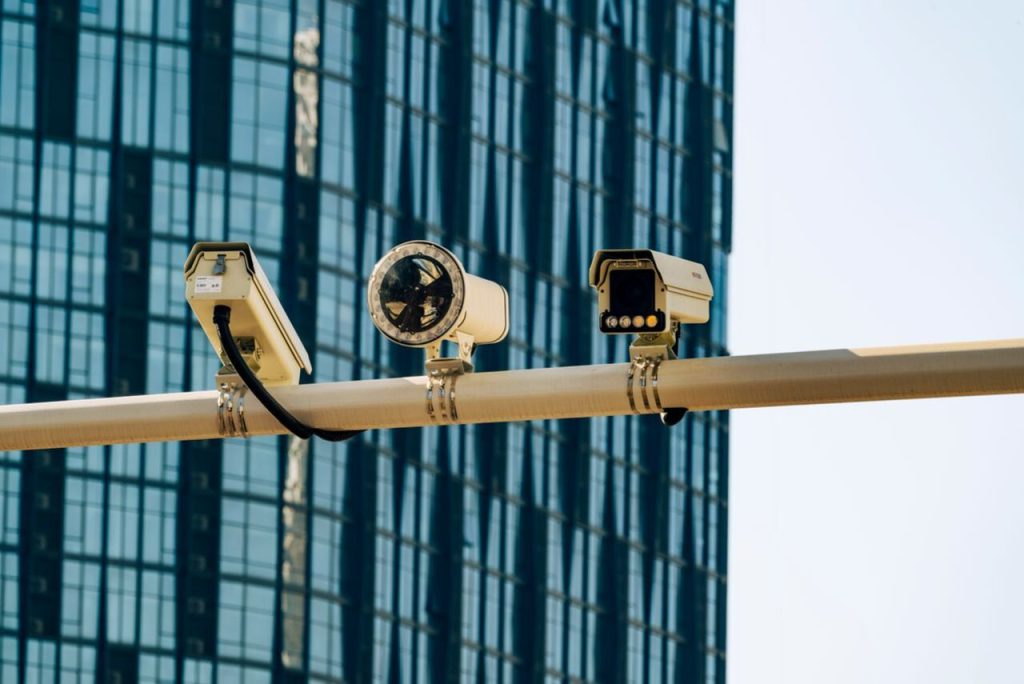
Flock Safety may be the best-known name in the current debate over automated license plate readers, but it is far from the only manufacturer represented in MapQuest’s new feature. The Surveillance Layer identifies known equipment from more than 10 companies, including Motorola Solutions’ Vigilant systems, Genetec, Axis Communications, Axon, Leonardo’s ELSAG, Neology, Rekor, PlateSmart, Ubicquia and Verkada. This broader coverage matters because roadside surveillance is not limited to a single brand or type of camera. Automated license plate readers capture images of passing vehicles and use software to extract information from their plates. Depending on the system, records may include the plate number, vehicle characteristics, location and time of detection. Other outdoor surveillance cameras may serve different purposes and collect different kinds of information. By including equipment from multiple providers, MapQuest gives users a broader picture of known roadside monitoring infrastructure. Still, the capabilities of individual systems vary, and the presence of a camera marker does not necessarily mean every device collects or stores the same information.
Users Can Activate the Feature Through the MapQuest Mobile App
Finding surveillance cameras on MapQuest does not require a separate mapping service or a complicated setup process. Users can open the MapQuest mobile app, access the map’s layer options and switch on the Surveillance feature. Once activated, the map displays known camera locations alongside the other information available for navigation. If the option does not appear, MapQuest’s instructions recommend updating the app to the latest version. The feature is designed to provide additional information while people explore an area or plan a journey. However, it is important to understand what it does not do. The Surveillance Layer does not automatically calculate a route that avoids cameras, nor does it prevent a vehicle from being recorded when it passes a surveillance device. Instead, it gives users another layer of information to consider when making travel decisions. People can inspect the map before leaving home or while planning a route, although they should avoid interacting with the app while driving. As with any map feature, the information is most useful when consulted safely and treated as a guide rather than a guarantee.
Camera Locations Appear as Eye-Shaped Icons on the Map
A distinctive visual design makes the new feature easy to recognize. When users activate the Surveillance Layer, known camera locations appear as eye-shaped markers on the map. Depending on the information available for an individual location, tapping a marker may reveal details about the camera, including its type, coordinates or viewing direction. Some displays also use shaded indicators to illustrate the direction in which a camera is pointed. These visual cues help users understand where reported surveillance equipment is located without having to interpret a separate technical database. However, the icons need to be understood in context. A marker indicates a known or reported camera location, not necessarily a live feed or a guarantee that the device is currently operating. Similarly, a stretch of road without an eye-shaped marker should not be assumed to be free of surveillance equipment. Cameras may be missing from the map because their locations have not been recorded, their details are incomplete or the underlying information has not been updated. The feature is best viewed as an awareness tool that makes existing location information easier to explore.
The Feature Arrives Amid Growing Concerns About License Plate Surveillance
The launch comes as automated license plate readers face increasing scrutiny over privacy, data retention and the way collected information is used. Police departments can use these systems to help investigate crimes, locate stolen vehicles and identify vehicles connected to specific cases. Supporters argue that the technology can help investigators find relevant information more quickly than conventional methods alone. Critics, however, warn that collecting large amounts of vehicle-location data can create records of ordinary people’s movements, even when those drivers are not suspected of wrongdoing. Concerns have also emerged over inappropriate searches, data sharing and cases in which surveillance tools have allegedly been misused. Flock Safety, one of the manufacturers represented on MapQuest, has faced particular public scrutiny over its expanding camera network. These debates have made information about camera locations increasingly relevant to residents, journalists and privacy advocates. MapQuest’s feature does not resolve the questions surrounding how surveillance systems should be governed. Instead, it gives users another way to see where known equipment is located and encourages a more informed understanding of the technology operating along public roads.
MapQuest Says Showing Camera Locations Was One of Its Three Most-Requested Features
The Surveillance Layer was not simply an unexpected addition to MapQuest’s navigation tools. According to reporting by Inc., MapQuest General Manager Doug Berger said displaying surveillance camera locations was among the three most-requested features from users. That feedback suggests people want navigation apps to provide more than directions and traffic updates. For some, knowing where license plate readers are located is part of understanding how their movements may be monitored. For others, the information offers a practical way to learn about surveillance infrastructure in their communities. The feature also gives MapQuest an opportunity to distinguish its service by responding to a public conversation about privacy and technology. However, the company has not fully explained every detail about the source, verification process or update schedule for the camera-location information. Those details matter because surveillance equipment can be installed, removed or moved over time. Users should therefore avoid treating the map as an exhaustive or real-time record. The feature responds to a clear interest in greater visibility, but its long-term usefulness will depend on how accurate, current and comprehensive its location data proves to be.