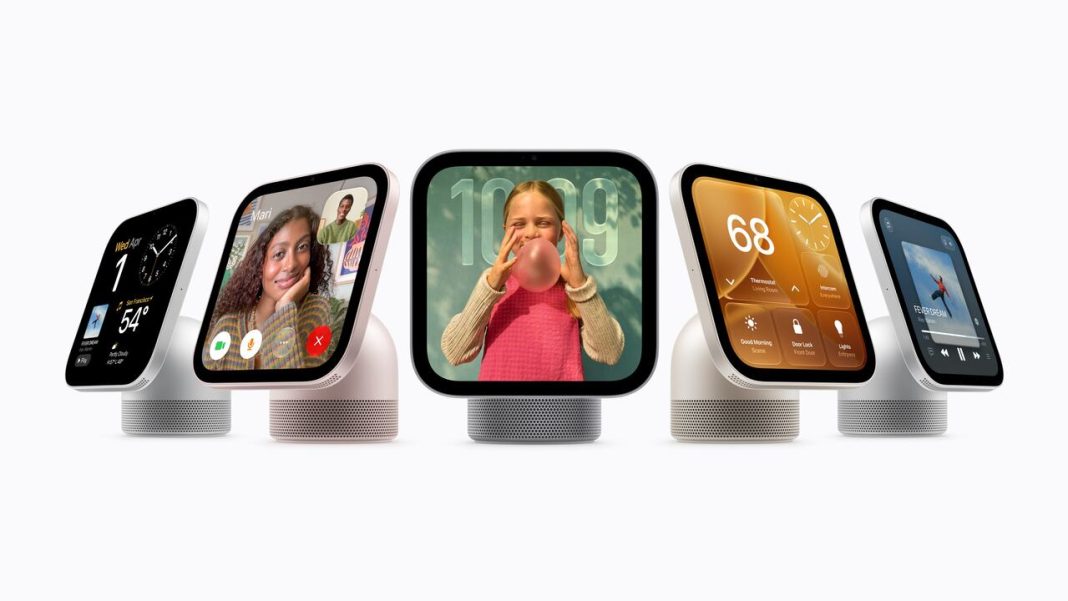

Apple is making another move into the smart home market with HomeView, a new hub designed to bring entertainment, communication, and connected home controls together in one place. Featuring a 7-inch Liquid Retina display, personalized Home Screens, an upgraded Siri experience, and built-in audio, the device aims to make everyday tasks more convenient for the entire household. It also brings together FaceTime, smart home controls, and live camera feeds, with privacy features designed to protect personal information. From managing connected accessories to enjoying music and keeping in touch with family, here are six Apple HomeView features worth a closer look.
Personalized Home Screens for Up to Six People

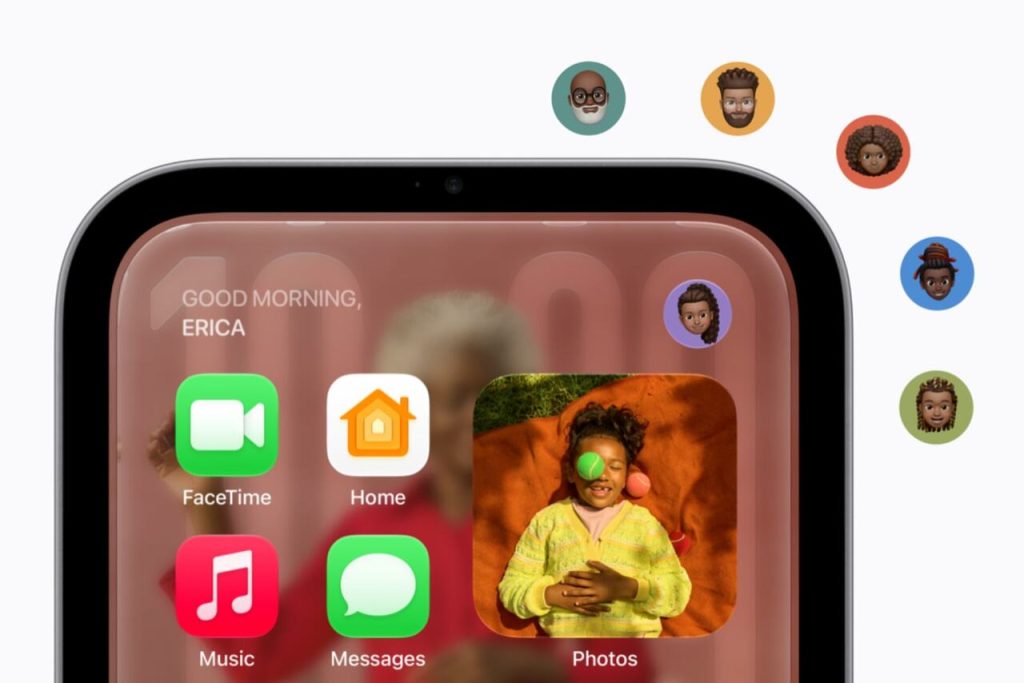
A shared household screen does not have to mean sharing everyone’s personal information. Apple HomeView recognizes up to six people by their faces and gives each person a personalized Home Screen with their own apps and widgets. This allows family members to access relevant information without having to rearrange the device every time someone else uses it. Personal content from apps such as Messages, FaceTime, Calendar, Reminders, and Find My can be made available to the appropriate user, while shared photo albums and music remain accessible to the household and its guests. The result is a device that combines the convenience of a common family hub with the familiarity of an individual experience. HomeView can also display shared photos, turning its 7-inch Liquid Retina screen into a digital photo frame that keeps favorite memories visible around the home.
Siri AI Powered by Apple Intelligence
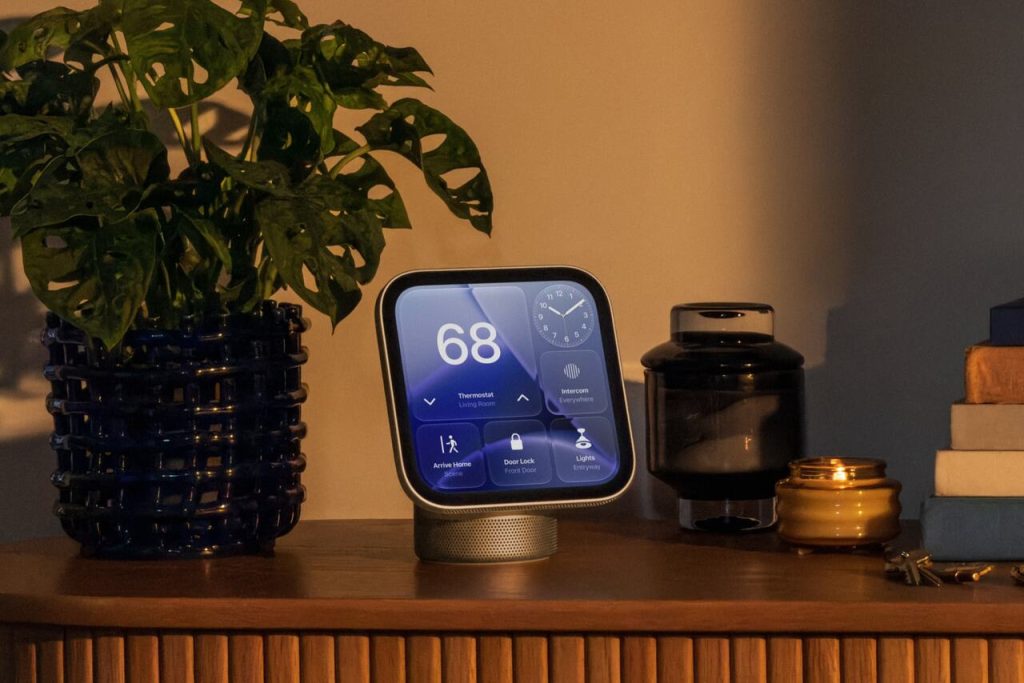
Voice assistants become more useful when they can do more than respond to simple commands. Apple HomeView introduces Siri AI, a redesigned version of Siri powered by Apple Intelligence and advanced Apple silicon. Apple says the assistant supports more natural conversations, broader general knowledge, and onscreen awareness, allowing users to ask questions and receive more relevant answers. When paired with a compatible iPhone or iPad that supports Apple Intelligence, Siri AI can also draw on personal context to surface useful information from apps such as Messages and Calendar, as well as help users discover music through Apple Music. Conversations can continue across supported Apple devices through the Siri app, making it easier to pick up where a previous interaction ended. Even without a compatible Apple Intelligence-enabled iPhone or iPad, users can access Siri AI’s general knowledge and conversational features. Personal-context capabilities, however, require a compatible paired device and supported software and language settings.
A Built-In Entertainment System With Spatial Audio
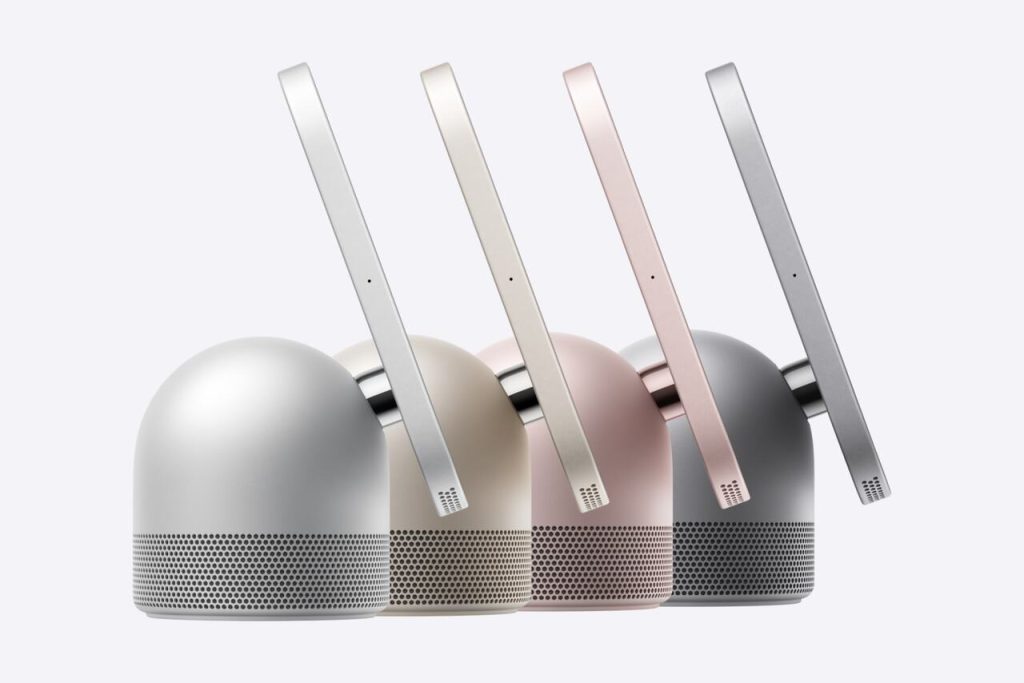
A smart home hub can be more than a screen for checking reminders and adjusting lights. Apple HomeView is also designed to deliver a substantial entertainment experience through its custom-engineered audio system. Two full-range drivers in the display provide clear sound, while a down-firing woofer and two force-cancelling passive radiators in the base help deliver deeper bass. Apple says its computational audio technology continuously optimizes loudness and bass response using Apple silicon and real-time system sensors. The device supports Apple Music, including animated album artwork and lyrics, alongside Apple Podcasts, Apple News, Apple TV, and compatible third-party audio and video apps. Handoff also lets users continue listening to music from an iPhone by bringing the phone close to the HomeView display. Households with multiple compatible HomeView, HomePod, HomePod mini, or AirPlay-enabled speakers can set up multiroom audio to play music throughout different areas of the home.
FaceTime, Intercom, and Hands-Free Kitchen Assistance
Keeping in touch with family members can be easier when communication tools are built into a device that already has a place in the home. Apple HomeView supports FaceTime, with Center Stage helping keep participants framed during calls, even when they move around the room. Users can also read and respond to Messages through voice commands or the onscreen keyboard. Apple’s Intercom feature offers another practical option for busy households, allowing someone to broadcast a quick announcement to a particular room or throughout the home using compatible HomeView and HomePod speakers, as well as supported personal devices. The kitchen is another area where the hub could prove useful. HomeView can turn compatible online recipes into step-by-step instructions, manage timers through hands-free controls, and help users keep track of ingredients while preparing meals. These features are particularly handy when someone’s hands are occupied with chopping vegetables, stirring a sauce, or handling ingredients. Find My and Live Activities add further convenience by displaying useful updates, including active timers and incoming Intercom messages.
Smart Home Controls and Live Camera Feeds

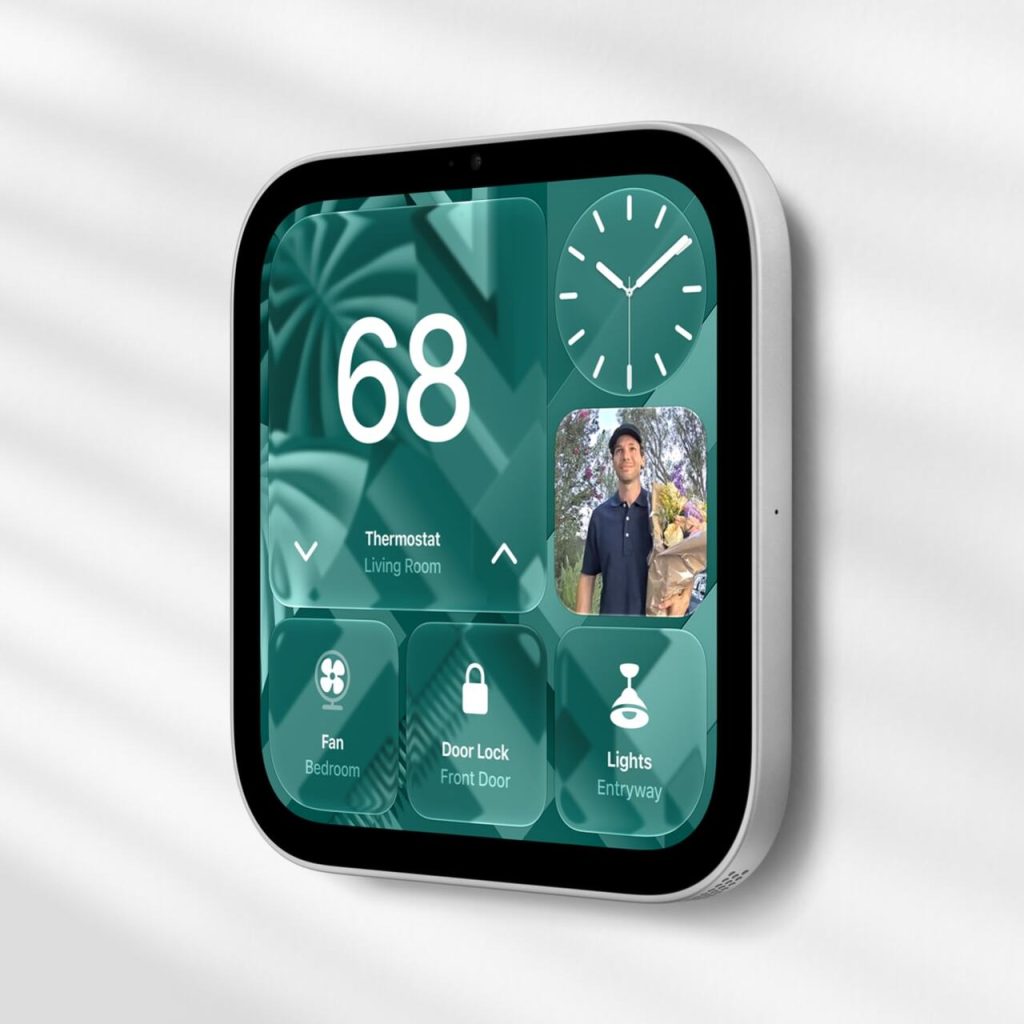
Managing a connected home can involve juggling several apps, but Apple HomeView is designed to bring many everyday controls together on one screen. Users can operate compatible smart home accessories by touch or through Siri AI, including adjusting lights and thermostats, locking connected doors, and closing blinds. Its Home Modular interface provides quick access to favorite accessories, while a dedicated Home Camera view can display up to nine live video feeds simultaneously. That could make it easier to check a front-door camera, monitor a delivery, or see what a pet is doing in another room without opening multiple apps. With compatible cameras and a supported iCloud+ subscription, HomeView can also support encrypted recognition of people, familiar faces, pets, packages, and vehicles, with notifications when activity is detected. Video descriptions for compatible HomeKit Secure Video footage can help users understand recorded events more quickly. The system can also detect the sound of smoke or carbon monoxide alarms and send alerts to supported Apple devices. Compatibility depends on the accessories, subscriptions, and software involved, so not every feature will work with every connected device.
Privacy Protections Built Into the Hardware
A device that handles messages, video calls, camera feeds, and household controls needs to protect more than its physical surroundings. Apple says HomeView was designed with privacy and security at its core, using the A18 chip and Secure Exclaves, which are isolated environments intended to process camera and microphone data separately from the rest of the system. According to Apple, data analyzed within these protected environments cannot be accessed by HomeView’s software, apps, the user, or Apple. The company also says personal information in apps such as Messages and Calendar is displayed only when the enrolled user is recognized and their paired iPhone or iPad is present and has been recently unlocked. Siri requests may be processed directly on the device or through Apple’s Private Cloud Compute system. For requests handled through Private Cloud Compute, Apple says the data is neither stored nor made accessible to the company or other parties. These safeguards are particularly important for a shared device that may be placed in a kitchen, hallway, or living room where several people regularly interact with it.